GBA Emulator Guide 2026: The Best One for PC, Android and iPhone
The best GBA emulator for most people is mGBA, free on Windows, macOS and Linux. Our picks for Android and iPhone, setup basics and the legal way to play.

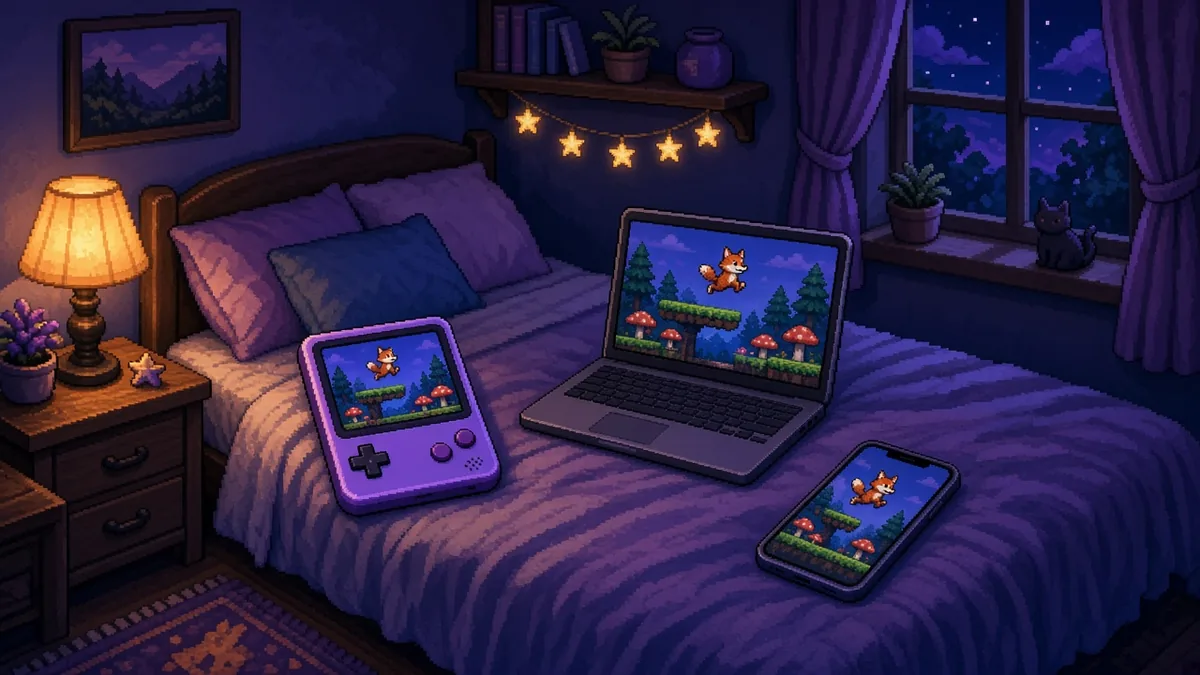
The best GBA emulator for most people is mGBA: free, open source, accurate, and available for Windows, macOS and Linux. On Android, Pizza Boy A Pro is our top paid pick and Lemuroid is the best free one. On iPhone and iPad, get Delta from the App Store. As of November 2026, mGBA’s site still lists 0.10.5 (March 2025) as its latest stable release, with newer fixes in development builds. Every emulator here is legal to use. Downloading GBA games you don’t own isn’t, so dump your own cartridges.
Quick picks
How we picked: accuracy, active maintenance, official distribution and ease of setup, judged from each project’s own documentation and store listings. The order is our opinion, not a lab result.
Best GBA emulator for PC, Mac and Linux: mGBA
mGBA is the default answer for a reason. It runs the GBA library with very few problem games, starts fast, and doesn’t need a GBA BIOS file because it ships its own replacement. It also handles Game Boy and Game Boy Color games, so one app covers the whole handheld line up to 2001.
Who it suits: anyone playing at a desk, on a laptop, or on a Linux handheld like the Steam Deck in desktop mode.
Key features: save states, rewind, fast-forward, cheat support, controller remapping, shaders, and local link-cable play between windows.
The drawback: the stable build is old. Version 0.10.5 landed in March 2025, and mGBA’s own site warns it may be the last release supporting Windows 7 to 8.1 and older macOS versions. Fixes since then live in development builds, which are newer but less tested. Download only from mgba.io.
Best GBA emulator for Android
Search Google Play for “GBA emulator” and you’ll get dozens of near-identical apps, many stuffed with ads. Two are worth your storage space.
Pizza Boy A Pro
Pizza Boy A (formerly listed as Pizza Boy GBA) is a dedicated Game Boy Advance emulator from Pizza Emulators, with a free Basic version and a paid Pro version. Pro adds the extras power users want, like deeper controller, display and save options.
Who it suits: Android players who want a polished, GBA-only app with good touch controls. Price: check current price on Google Play.
The drawback: it’s GBA only. Game Boy and Game Boy Color games need the separate Pizza Boy C app, and the best features cost money.
Lemuroid
Lemuroid is free, open source and ad-free. It’s built on libretro emulation cores, covers several Nintendo and Sega systems, and scans a folder of your own game files into a tidy library with almost no setup.
Who it suits: anyone who wants one free app for several retro systems on a phone or Android handheld.
The drawback: fewer per-game tweaks than Pizza Boy A Pro or full RetroArch. You trade control for simplicity.
Best GBA emulator for iPhone and iPad: Delta
Apple blocked emulators from the App Store until 2024, when it changed its rules under pressure from the EU’s Digital Markets Act, according to Delta’s Wikipedia entry. Delta arrived that April and quickly became the go-to Nintendo emulator on iOS.
Who it suits: iPhone and iPad owners. One free app covers NES, SNES, Nintendo 64, Game Boy, Game Boy Advance and Nintendo DS, with controller support and custom skins.
The drawback: fewer advanced options than desktop mGBA, and getting your own game files onto the device goes through the Files app or cloud storage, which takes a few extra taps.
RetroArch: one front end for every device
RetroArch isn’t an emulator by itself. It’s a front end that loads “cores,” and its mGBA core gives you mGBA’s accuracy on Windows, Mac, Linux, Android, iOS and Steam. It also adds shaders, netplay and RetroAchievements support in one place.
The drawback: the menus are layered and confusing at first. If you only play GBA, standalone mGBA is quicker to set up.
How to choose a GBA emulator, and set it up right
Pick by device first: mGBA on computers, Pizza Boy A Pro or Lemuroid on Android, Delta on iOS. Then sort out the two things that make the biggest difference: a real controller and clean screen scaling. Any Bluetooth pad your phone or PC recognizes will do, but one with a proper d-pad suits GBA games far better than an analog stick. Shopping for one? Our pro controller input lag comparison is a good starting point.
The GBA screen is 240 by 160 pixels. Scale it by a whole number and every original pixel becomes an even square; scale it by a fraction and some pixels come out wider than others, which reads as shimmer when the screen scrolls. Here’s the math for common displays, worked out from that native resolution.
| Display | Largest integer scale | Output size | Screen height used |
|---|---|---|---|
| 1080p (1920×1080) | 6x | 1440×960 | 89% |
| 1440p (2560×1440) | 9x | 2160×1440 | 100% |
| 4K (3840×2160) | 13x | 3120×2080 | 96% |
Our take: 1440p is the sweet spot, a perfect 9x fit with no borders top or bottom. On 1080p, accept small black bars at 6x rather than stretching. If you play on a TV, our guide to playing 16-bit classics on a modern TV without the blur covers the TV-side settings that apply here too.
On legality, keep it simple. Emulators are legal. Downloading ROMs or BIOS files for games you don’t own is piracy. Dump your own cartridges with a USB cartridge reader, and keep the game’s in-game save file backed up alongside your save states, since save states can break between emulator versions.
One app, one controller, the right scale factor. That’s the whole recipe.
Prefer a dedicated device? See our best handheld emulator picks. For other systems, our PSP emulator guide and Nintendo Switch emulator guide cover setup.
FAQ
Is mGBA safe to download?
Yes, from the official source. mGBA is open source and distributed through mgba.io, which links to its builds for each platform. The risk comes from third-party “mGBA download” sites and bundles that repackage it with adware. If a page isn’t mgba.io or the project’s official code repository, skip it.
Can a GBA emulator play Game Boy Color games?
Some can. mGBA, RetroArch, Lemuroid and Delta all handle Game Boy and Game Boy Color games alongside GBA titles. Pizza Boy A Pro is GBA only, so Android users who want both through Pizza Emulators need its separate Pizza Boy C app as well.
Do I need a GBA BIOS file?
Not for mGBA. It includes its own BIOS replacement, and nearly every game runs fine without the original file. Some purists dump the BIOS from their own GBA for the boot logo or edge-case accuracy. Downloading a BIOS file from the internet instead of dumping your own is piracy.
Cassia Fenwick
Cassia Fenwick is a staff writer at Console Alley, covering console gaming from the latest hardware questions to the games players return to for years. Her work moves across news, practical guides, reviews, gaming gear, and the wider culture around games. Whether she is breaking down a new console feature or explaining a mechanic in a familiar favorite, she writes with a straightforward goal: help readers understand what matters and what to do next. She pays particular attention to the small details that shape the playing experience. A controller compatibility rule, a battery-life setting, a difficult-to-find resource, or a change introduced by a game update can make the difference between a frustrating evening and a rewarding one. Her published coverage includes Nintendo Switch and Switch 2 questions, Terraria, Stardew Valley, and The Sims 4, with explanations that welcome readers who may be discovering a game for the first time or returning after time away. Cassia's style is clear, patient, and grounded in practical examples. Rather than assuming readers already know the terminology, she begins with the question at hand, adds the context that genuinely helps, and keeps instructions easy to follow. She is interested not only in how a feature works, but also why its design matters—especially when a small interaction, interface decision, or unexpected mechanic changes how a game feels. Outside her gaming coverage, Cassia enjoys colorful postcards, making books, and noticing the shapes, colors, and details built into everyday objects. That curiosity carries naturally into her writing, where overlooked features and thoughtful design can provide a fresh way to look at a game. Her aim is for every article to be useful on its own: approachable enough for a newcomer, specific enough for someone looking for a quick answer, and enjoyable enough to leave readers with something new to explore.


