Best Gaming PC Under $1000 in November 2026
The best gaming PC under $1000 right now is the PowerSpec G528 with a Ryzen 5 7500X3D and RTX 5060 at Micro Center. Our picks and what to check before buying.

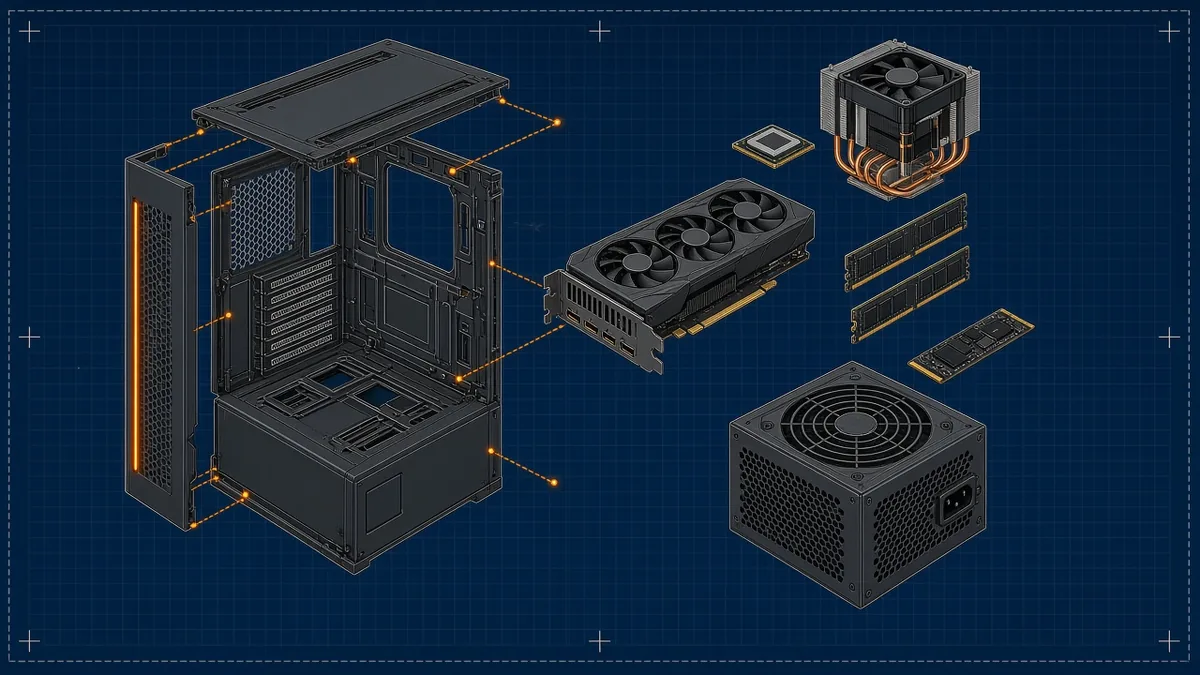
The best gaming PC under $1000 right now is the PowerSpec G528: a Ryzen 5 7500X3D, an RTX 5060 8GB, 16GB of DDR5-6000 and a 1TB SSD for $999.99 at Micro Center, Nov 2, 2026 (down from $1,149.99). If you’d rather spend less, the PowerSpec G240 pairs the same RTX 5060 with a Core i5-14400F for $899.99 at Micro Center, Nov 2, 2026. The catch: memory shortages pushed most online RTX 5060 prebuilts past $1,000 this year, and every pick below is an in-store-only Micro Center deal.
Quick picks (Micro Center prices, Nov 2, 2026)
Our picks for the best gaming PC under $1000
Every pick was on sale new at or under $1,000 on Micro Center’s under-$1,000 gaming PC page on November 2, 2026, checked against the Fairfax, Virginia store’s stock. Prices and stock vary by store, and these are in-store pickup only. Our criteria: a dedicated current-generation GPU, 16GB of RAM, a 1TB NVMe SSD where listed, and a stated warranty. The target is 1080p at high settings in current games, with 1440p workable in lighter titles or with upscaling.
| Model | Key specs | Price (Micro Center, Nov 2, 2026) | Best for |
|---|---|---|---|
| PowerSpec G528 | Ryzen 5 7500X3D, RTX 5060 8GB, 16GB DDR5-6000, 1TB SSD | $999.99 (was $1,149.99) | Most buyers; upgrade path |
| PowerSpec G240 | Core i5-14400F, RTX 5060 8GB, 16GB DDR5, 1TB NVMe | $899.99 (was $1,049.99) | RTX 5060 for less |
| Acer Nitro 60 N60-640-UR21 | Core i5-14400F, RTX 5060 8GB, 16GB DDR5, 1TB PCIe 4.0 | $899.99 (was $1,199.99) | Buyers who want a major brand |
| PowerSpec G529 | Ryzen 5 7600X, RX 7600 8GB, 16GB DDR5-6000, NVMe SSD | $799.99 (was $1,149.99) | Tight budgets, esports |
PowerSpec G528: best overall
This is the one we’d buy. The Ryzen 5 7500X3D is a six-core Zen 4 chip with AMD’s stacked 3D V-Cache, which helps most in CPU-heavy games, and it sits on the AM5 platform with DDR5-6000, so a faster Ryzen can drop in later. The RTX 5060 handles current games at 1080p high and supports DLSS 4 frame generation. The drawback: PowerSpec is Micro Center’s house brand, so service runs through Micro Center rather than a national maker, and the 8GB card will need lower texture settings in a few demanding new games.
PowerSpec G240: best value
Same RTX 5060, same 16GB of DDR5 and 1TB NVMe drive, $100 less. The Core i5-14400F has 10 cores (six performance, four efficiency) and won’t hold the RTX 5060 back at 1080p. The drawback: LGA1700 is a finished socket. Intel moved its new desktop chips to LGA1851, so there’s no meaningful CPU upgrade ahead for this box.
Acer Nitro 60 N60-640-UR21: name-brand pick
Spec for spec it matches the G240: i5-14400F, RTX 5060 8GB, 16GB of DDR5 and a 1TB PCIe 4.0 SSD, with Wi-Fi and Bluetooth. You get Acer’s support network and a one-year limited parts and labor warranty, per Micro Center’s listing. The drawback is that the deal is Micro Center’s, not Acer’s: Acer’s own listing on Target still showed $1,199.99, so outside a Micro Center store this isn’t an under-$1,000 PC. It shares the G240’s dead-end socket, too.
PowerSpec G529: lowest cost
At $799.99 it’s $350 off its regular price and the cheapest current-platform pick here. The Ryzen 5 7600X and DDR5-6000 give it the same AM5 upgrade path as the G528. The drawback is the graphics card: the RX 7600 is slower than the RTX 5060 and uses AMD’s FSR upscaling instead of DLSS, so demanding new releases need medium settings. Check the SSD capacity on your store’s listing.
One more Micro Center option, the PowerSpec G542 (Ryzen 5 5600X3D, RX 7600 8GB, 16GB DDR4-3200, 1TB), was also $999.99 in store on Nov 2, 2026, down from $1,299.99. At the same price, the G528 gives you a faster GPU, DDR5 and a newer socket, so we’d only take the G542 if your store is out of the G528.
What $1,000 buys in late 2026, and why prices jumped
A year ago, $1,000 comfortably covered an RTX 5060 prebuilt from most online retailers. In 2026, DRAM and NAND prices climbed as data centers bought up supply, and builders passed that on. Valve, for example, raised Steam Deck OLED prices on May 27, 2026 and named memory and storage costs as the reason.
Here’s the comparison that matters at this budget. Between the G240 ($899.99) and the G528 ($999.99), the extra $100 buys an X3D gaming CPU and a socket with upgrades ahead; the GPU, RAM amount and SSD are the same. Between the G529 ($799.99) and the G240 ($899.99), the extra $100 buys the faster RTX 5060 and DLSS. Our take: if you can stretch, both $100 steps are worth it, and the GPU step comes first.
What you shouldn’t accept at this budget: GTX cards, RTX 3050s or listings that don’t name the exact GPU. NVIDIA launched the RTX 5060 at $299 in May 2025, and it’s the floor we’d accept for new AAA games at 1080p.
How to choose a gaming PC under $1000
Use the model number, not the box art. Marketing names cover a dozen configurations, and the socket decides what you can upgrade in three years without replacing the whole PC.
| Platform | Picks here | Future CPU upgrade |
|---|---|---|
| AMD AM5 (DDR5) | G528, G529 | Ryzen 7000 and 9000 chips, plus later AM5 releases |
| Intel LGA1700 (DDR5) | G240, Nitro 60 | Existing 12th to 14th Gen chips only |
| AMD AM4 (DDR4) | G542 | Existing Ryzen 5000 chips only |
Beyond the platform, check four things on any listing:
- RAM in two sticks. 16GB as 2x8GB runs in dual-channel; a single 16GB stick costs real performance.
- The power supply. Look for a stated wattage and an 80 Plus rating. A bare “650W” with no brand or rating is a warning sign.
- Warranty length. One year of parts and labor is standard at this price; longer is a bonus.
- Store pickup terms. In-store-only deals can sell out at your location while the website still shows stock elsewhere. Check your store before you drive.
Your new PC will come with a basic keyboard and mouse at best, so budget a little for the rest of the setup. Our roundup of wireless headsets under $100 and our pro controller input lag roundup are good next stops.
Want it portable? Our handheld gaming PC guide compares the alternatives, and our Xbox 360 emulator guide covers one way to use a new PC.
Gaming PC under $1000 FAQ
Is $1,000 enough for a gaming PC in 2026?
Yes, for 1080p, but where you shop matters. Micro Center had RTX 5060 prebuilts from $899.99 in store on Nov 2, 2026, while most online RTX 5060 systems sat above $1,000 after this year’s memory price increases. If there’s no Micro Center near you, wait for a holiday sale or consider an RTX 5050 system.
Is 8GB of VRAM enough for gaming in 2026?
For 1080p, mostly yes, with some settings trade-offs. A few demanding new games ask for more than 8GB at max textures, so you may need to drop texture quality a notch. If you plan to play at 1440p for years, a 16GB card like the RX 9060 XT 16GB is the safer choice at a slightly higher price.
What is the best $1,000 build?
A balanced DIY build at this budget looks like the G528: a six-core AM5 Ryzen such as the 7500X3D or 7600, a B650 board, 2x8GB DDR5-6000, an RTX 5060 or RX 9060 XT, a 1TB NVMe SSD and a 650W 80 Plus Gold supply. With 2026 memory prices, check current part prices; sale prebuilts often cost less than the same parts plus Windows.
Buy the GPU, read the model number, and check your local store before the sale ends.
Cassia Fenwick
Cassia Fenwick is a staff writer at Console Alley, covering console gaming from the latest hardware questions to the games players return to for years. Her work moves across news, practical guides, reviews, gaming gear, and the wider culture around games. Whether she is breaking down a new console feature or explaining a mechanic in a familiar favorite, she writes with a straightforward goal: help readers understand what matters and what to do next. She pays particular attention to the small details that shape the playing experience. A controller compatibility rule, a battery-life setting, a difficult-to-find resource, or a change introduced by a game update can make the difference between a frustrating evening and a rewarding one. Her published coverage includes Nintendo Switch and Switch 2 questions, Terraria, Stardew Valley, and The Sims 4, with explanations that welcome readers who may be discovering a game for the first time or returning after time away. Cassia's style is clear, patient, and grounded in practical examples. Rather than assuming readers already know the terminology, she begins with the question at hand, adds the context that genuinely helps, and keeps instructions easy to follow. She is interested not only in how a feature works, but also why its design matters—especially when a small interaction, interface decision, or unexpected mechanic changes how a game feels. Outside her gaming coverage, Cassia enjoys colorful postcards, making books, and noticing the shapes, colors, and details built into everyday objects. That curiosity carries naturally into her writing, where overlooked features and thoughtful design can provide a fresh way to look at a game. Her aim is for every article to be useful on its own: approachable enough for a newcomer, specific enough for someone looking for a quick answer, and enjoyable enough to leave readers with something new to explore.
1 comment