Nintendo Switch vs Switch 2: What Changed and Which to Buy in November 2026
Nintendo Switch vs Switch 2: a 7.9-inch 1080p HDR screen, 4K TV output and 256GB storage, at $499.99 since September 2026. What changed and which to buy.

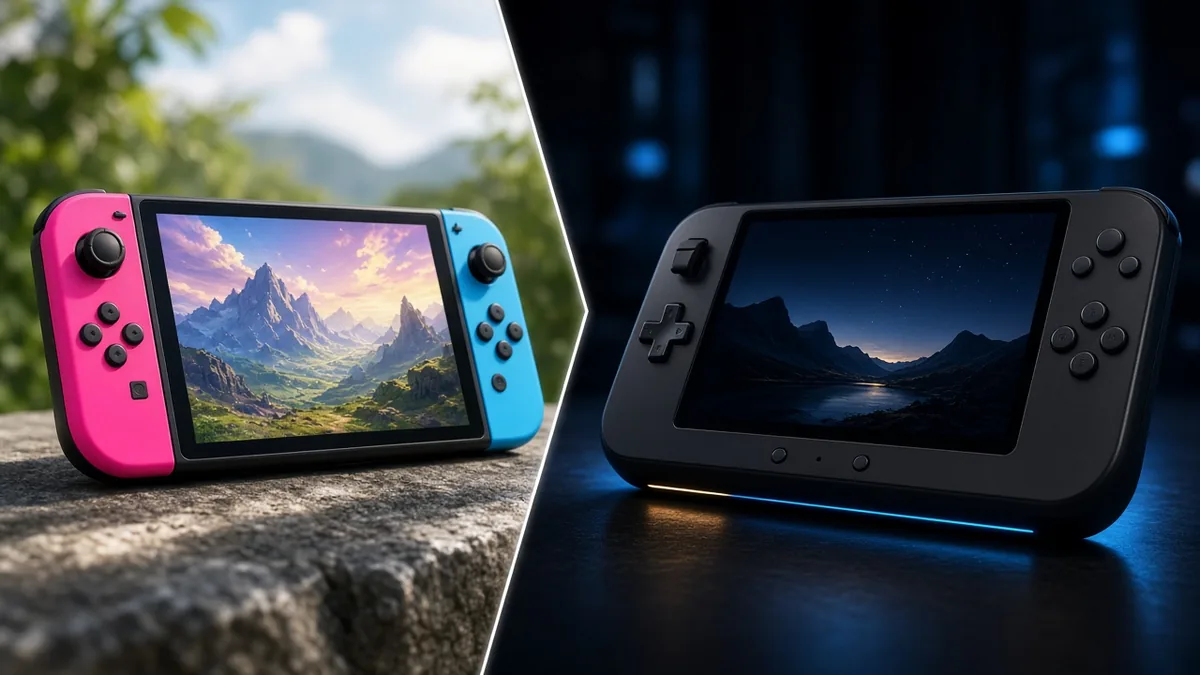
In the Nintendo Switch vs Switch 2 matchup, the Switch 2 wins on almost everything that matters: a bigger 7.9-inch 1080p screen with HDR and up to 120 fps, 4K output on a TV, 256GB of storage, and support for most original Switch games. It also costs more. Nintendo raised it to $499.99 in the US on September 1, 2026, while the Switch OLED lists at $399.99 and the Switch Lite at $229.99 on the My Nintendo Store, as of November 2026.
So the real question isn’t which is better. It’s whether the gap is worth $100 to $270 to you. Here’s how to decide.
Key takeaways
Nintendo Switch vs Switch 2 specs side by side
The Switch 2 is a full hardware generation, not a refresh like the OLED model was in 2021. Nintendo’s own spec sheets show the jump in every row except battery life.
| Spec | Switch (standard) | Switch OLED | Switch 2 |
|---|---|---|---|
| Screen | 6.2″ LCD, 1280×720 | 7″ OLED, 1280×720 | 7.9″ LCD, 1920×1080, HDR, up to 120 fps |
| TV output | Up to 1080p | Up to 1080p | Up to 4K (60 fps max at 4K) |
| Built-in storage | 32GB | 64GB | 256GB |
| Expansion | microSD | microSD | microSD Express only |
| Battery life | About 4.5 to 9 hours | About 4.5 to 9 hours | About 2 to 6.5 hours |
Sources: Nintendo hardware spec pages for each model (standard Switch figures are for the 2019 HAC-001(-01) revision). Checked November 2026.
Weight is the other trade-off. Nintendo lists the Switch 2 at about 534g with Joy-Con 2 attached, against roughly 420g for the OLED. That’s a noticeable difference in long handheld sessions. The Switch Lite, for comparison, is a handheld-only 5.5-inch model with 32GB and about 3 to 7 hours of battery.
Screen and TV: the upgrade you’ll notice first
On paper, the OLED looks like the loser here, but it isn’t that simple. The OLED model’s panel has deeper blacks and stronger contrast than any LCD, the Switch 2’s included. What it can’t do is resolution or refresh rate: Switch 2 games render up to 1080p in your hands and can run at up to 120 fps with HDR in supported games.
On a TV, the gap gets wider. The Switch 2 dock outputs up to 4K in compatible games (capped at 60 fps at that resolution, per Nintendo), and it has a wired LAN port (the OLED dock does too) and a cooling fan. Every original Switch tops out at 1080p docked.
Our take: if you mostly play docked, the Switch 2 is the obvious pick. If you play handheld in bed and care most about color and battery, the OLED still makes a case for itself, as long as you’re happy with the games it runs.
Price in November 2026: what you pay per gigabyte
US prices have climbed twice. Nintendo raised original Switch prices in August 2025 amid US tariffs, and then lifted the Switch 2 from $449.99 to $499.99 on September 1, 2026. Our column on why mid-generation consoles keep getting pricier covers the bigger trend. Here’s what each model lists for now, plus one number nobody puts on the box.
| Model | US list price | Built-in storage | Price per GB |
|---|---|---|---|
| Switch Lite | $229.99 | 32GB | $7.19 |
| Switch (standard) | $339.99 | 32GB | $10.62 |
| Switch OLED | $399.99 | 64GB | $6.25 |
| Switch 2 | $499.99 | 256GB | $1.95 |
Prices: My Nintendo Store; the Switch 2 rise per Nintendo’s May 7, 2026 notice. US list prices as of November 2026; check current price at retailers. Price per GB is our calculation and ignores space the system reserves.
The math flips the usual story. The Switch 2 costs more up front but packs four times the OLED’s storage. Fill an OLED with a large library and you’ll be buying a microSD card anyway. Fill a Switch 2 and you’ll need microSD Express, which costs more per gigabyte than a standard card, so that’s the hidden add-on on the new console’s side. The My Nintendo Store also lists a Switch 2 + Mario Kart World bundle at $549.99 as of November 2026.
Controllers, GameChat and the extras
Joy-Con 2 snap on magnetically instead of sliding down rails, and both can work as a mouse in compatible games. The new C button opens GameChat for voice chat and screen sharing, with video chat if you add the Switch 2 camera or a compatible USB-C camera. GameShare lets other Switch 2 owners play along on a game only one of you owns, and virtual game cards let you move digital games between two consoles or lend them out. Nintendo’s Switch 2 features page lays these out.
Your original Joy-Con and Pro Controller still work on Switch 2, but only wirelessly. Old Joy-Con can’t attach to the new console, and the old dock won’t fit it.
Games: what plays where
This is where the Switch 2 has the decisive edge. It plays most of the original Switch library, physical and digital, plus Switch 2 exclusives such as Mario Kart World and Donkey Kong Bananza. Nothing flows the other way: an original Switch can’t run Switch 2 games.
Some older games also get better on the new hardware through free updates or paid Nintendo Switch 2 Edition upgrade packs. The Zelda Breath of the Wild and Tears of the Kingdom packs, for example, were $9.99 each at launch and come included with Nintendo Switch Online + Expansion Pack. A small number of original Switch games still have start-up or in-game issues on Switch 2, so it’s worth checking any favorites on Nintendo’s compatibility site.
Which one should you buy?
Match the console to how you play. Our late 2026 console buying guide compares Nintendo against PlayStation and Xbox if you’re still deciding between platforms.
- Buy the Switch 2 if you want new Nintendo releases, play on a TV, or are buying your only console for the next several years. It’s the only model that will run every new first-party game.
- Buy the Switch OLED if you already know the Switch library you want, play mostly handheld, and value battery life and that OLED panel over sharper visuals.
- Buy the Switch Lite for a younger player or as a cheap second handheld. It doesn’t dock, and some games need detached Joy-Con.
Already own a Switch? Your games come with you, so the upgrade question is mostly about the new exclusives and whether you play docked. If neither moves you, keep your money until a price drop or a must-have game shows up.
Upgrading with a library? See whether Switch 1 games play on Switch 2.
FAQ
Does the Switch 2 have an OLED screen?
No. The Switch 2 uses a 7.9-inch LCD with a 1920×1080 resolution, HDR support and up to 120 fps. The Switch OLED model’s 7-inch OLED panel has better contrast and blacks, but it’s limited to 1280×720, and it can’t run Switch 2 games.
Can I use my Switch dock or microSD card with Switch 2?
Neither carries over fully. Nintendo says the original dock isn’t compatible with Switch 2. Standard microSD cards can only be used to view or import screenshots and videos from a Switch; to store Switch 2 games, you need a microSD Express card.
Cassia Fenwick
Cassia Fenwick is a staff writer at Console Alley, covering console gaming from the latest hardware questions to the games players return to for years. Her work moves across news, practical guides, reviews, gaming gear, and the wider culture around games. Whether she is breaking down a new console feature or explaining a mechanic in a familiar favorite, she writes with a straightforward goal: help readers understand what matters and what to do next. She pays particular attention to the small details that shape the playing experience. A controller compatibility rule, a battery-life setting, a difficult-to-find resource, or a change introduced by a game update can make the difference between a frustrating evening and a rewarding one. Her published coverage includes Nintendo Switch and Switch 2 questions, Terraria, Stardew Valley, and The Sims 4, with explanations that welcome readers who may be discovering a game for the first time or returning after time away. Cassia's style is clear, patient, and grounded in practical examples. Rather than assuming readers already know the terminology, she begins with the question at hand, adds the context that genuinely helps, and keeps instructions easy to follow. She is interested not only in how a feature works, but also why its design matters—especially when a small interaction, interface decision, or unexpected mechanic changes how a game feels. Outside her gaming coverage, Cassia enjoys colorful postcards, making books, and noticing the shapes, colors, and details built into everyday objects. That curiosity carries naturally into her writing, where overlooked features and thoughtful design can provide a fresh way to look at a game. Her aim is for every article to be useful on its own: approachable enough for a newcomer, specific enough for someone looking for a quick answer, and enjoyable enough to leave readers with something new to explore.