Handheld Gaming PC: Which One to Buy in Late 2026
Which handheld gaming PC to buy in November 2026: the Steam Deck OLED is still the easy pick for Steam players. How it compares with Windows handhelds.

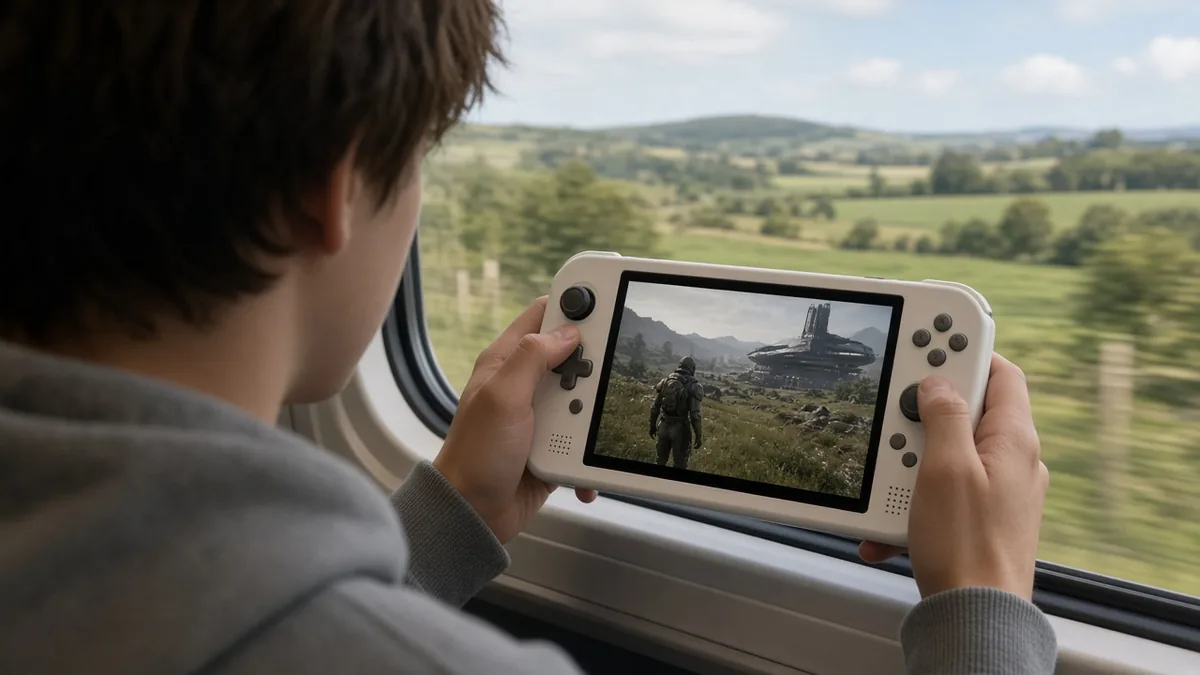
A handheld gaming PC is a full Windows or SteamOS computer built into a controller-shaped body, so it plays the PC games you already own on Steam, Xbox and other stores. As of November 2026, the Steam Deck OLED is still the easiest pick for Steam players, at $789 for 512GB on Valve’s store since a May 27, 2026 price increase. If you want Windows and Game Pass, the ASUS ROG Xbox Ally X is the strongest all-rounder; it launched at $999.99 in October 2025 and was still $999.99 at Best Buy on November 1, 2026. Prices moved a lot this year as memory costs climbed, so check current listings before you buy.
Key takeaways
What is a handheld gaming PC?
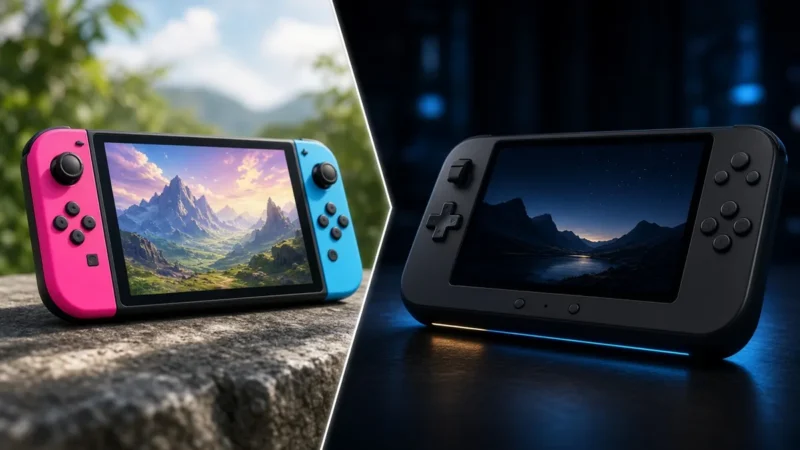
It’s an x86 PC, the same kind of hardware as a laptop, with a built-in screen, sticks, triggers and a battery. That’s the key difference from a Nintendo Switch 2: a handheld PC doesn’t need its own versions of games. You log into Steam, the Xbox app, Epic, GOG or Battle.net and play what’s already in your library.
Most models also dock to a TV or monitor through USB-C, so one device can cover couch, desk and travel. The trade-offs are battery life, fan noise under load and a screen that’s small for text-heavy strategy games. If you’re weighing a handheld against a home console instead, our guide to which console to buy in late 2026 covers that side of the decision.
The handheld gaming PCs worth knowing in late 2026
These are the current mainstream models from Valve, ASUS, Lenovo and MSI. Specs come from each maker’s product pages; prices are noted where we could tie them to a store and a date.
| Model | OS | Chip and memory | Screen and battery |
|---|---|---|---|
| Valve Steam Deck OLED | SteamOS | AMD custom APU (Zen 2, RDNA 2), 16GB | 7.4″ HDR OLED, 1280×800, 90Hz; 50Wh |
| ASUS ROG Xbox Ally X | Windows 11 | Ryzen AI Z2 Extreme, 24GB LPDDR5X | 7″ 1080p IPS, 120Hz; 80Wh |
| ASUS ROG Xbox Ally | Windows 11 | Ryzen Z2 A, 16GB LPDDR5 | 7″ 1080p IPS, 120Hz; 60Wh |
| Lenovo Legion Go 2 | Windows 11 (SteamOS edition announced) | Ryzen Z2 or Z2 Extreme, up to 32GB | 8.8″ OLED, 144Hz; 74Wh |
| MSI Claw 8 AI+ | Windows 11 | Intel Core Ultra (Lunar Lake), 32GB | 8″ 1920×1200 IPS, 120Hz; 80Wh |
Steam Deck OLED: best for Steam players
Valve’s handheld has the most polished software, the Steam Deck Verified rating on store pages, and the lowest power draw here; Valve rates its APU at 4W to 15W. Valve raised prices on May 27, 2026, citing memory and storage costs, to $789 (512GB) and $949 (1TB), per Tom’s Hardware’s report on Valve’s announcement. Certified refurbished units were listed at $629 and $759 at the same time. The drawback: it’s the oldest chip in the group, so new AAA releases often need low settings to hold 30fps.
ROG Xbox Ally X: best Windows handheld
ASUS and Microsoft’s flagship launched October 16, 2025 at $999.99, and it’s the one we’d point Game Pass subscribers to. The Xbox full-screen experience hides most of the Windows desktop clutter, and the 80Wh battery is the largest you’ll find in a 7-inch handheld. The drawback is price: it launched $400 above the standard ROG Xbox Ally, and Windows still throws the occasional update prompt mid-session. Want OLED? The ROG Xbox Ally X20, up for preorder since September 2026, keeps the same chip, 24GB and 80Wh battery with a 7.4-inch OLED screen for $1,299.99; Tom’s Hardware measured no performance difference.
ROG Xbox Ally: the cheaper Windows route
Same shell and software as the Ally X, with a slower Ryzen Z2 A, 16GB of RAM, 512GB of storage and a 60Wh battery. It launched at $599.99, and ASUS’s US store still listed it at $599.99 on November 2, 2026. It suits older and lighter PC games better than new AAA releases.
Lenovo Legion Go 2: best screen, unstable price
The 8.8-inch 144Hz OLED is the best display on any of these, and the detachable controllers add a mouse-style FPS mode. Lenovo announced a SteamOS edition from $1,199 at CES 2026; confirm it’s actually in stock before planning around it. The catch is cost and weight: after several increases, Best Buy listed the 1TB Z2 Extreme model at $1,999.99 and Lenovo’s own store the 2TB model at $2,849.99, according to PC Guide (prices as of October 9, 2026).
MSI Claw 8 AI+: the Intel option
Intel’s Lunar Lake chip is efficient at lower power limits, and the 80Wh battery and 8-inch screen make it a good long-session device. The drawback: Intel’s graphics drivers still trail AMD’s for compatibility with some older games. MSI’s US store listed the 32GB/1TB model (A2VM-001US) at $1,149 on November 2, 2026.
SteamOS vs Windows: which suits your library?
This choice matters more than any spec. SteamOS is simpler and sleeps and resumes like a console. Windows runs everything, with more tinkering.
SteamOS runs Windows games through Valve’s Proton compatibility layer, and most of the Steam catalog works. The gap is multiplayer games whose anti-cheat blocks Linux; Fortnite is the best-known example and doesn’t run on a Steam Deck. Game Pass PC and the Xbox app need Windows.
Windows handhelds run Game Pass, Battle.net, EA, Ubisoft and Epic natively, which is why they’re the safer pick for people with libraries spread across several stores. Lenovo’s SteamOS Legion models blur the line: you get Valve’s interface on non-Valve hardware.
Battery life math: what the Wh number really means
Here’s the calculation the spec sheets skip. Runtime is roughly battery capacity divided by total power draw: hours ≈ Wh ÷ watts. Total draw includes the chip, screen, fans and everything else, and real batteries deliver a bit less than their rating, so treat these as best cases.
| Battery | Total system draw | Rough runtime |
|---|---|---|
| 50Wh (Steam Deck OLED) | 15W | About 3.3 hours |
| 50Wh (Steam Deck OLED) | 25W | About 2 hours |
| 74Wh (Legion Go 2) | 25W | About 3 hours |
| 80Wh (Ally X, Claw 8 AI+) | 15W | About 5.3 hours |
| 80Wh (Ally X, Claw 8 AI+) | 30W | About 2.7 hours |
The takeaway: a bigger battery only wins if you don’t spend it on extra watts. An Ally X pushed to 30W for a new AAA game lasts about as long as a Steam Deck capped near 18W. For indies and older games, cap the power limit in the quick settings menu and frame rate to 40 or 60, and any of these will run noticeably longer.
How to choose a handheld gaming PC
Start with where your games live. Mostly Steam: Steam Deck OLED or a SteamOS Legion. Game Pass or several stores: a Windows model, ideally the ROG Xbox Ally X.
Then check the things that bite later. Weight matters more than you’d think; the 8-inch-plus models are heavy for long sessions in bed. Storage fills fast with 100GB-plus games, so 1TB is the comfortable size. Some models take a standard M.2 2280 drive while others use the shorter 2230 size, so check before you buy a replacement. Opening the shell to swap storage can affect your warranty, so read the maker’s terms first; our console SSD upgrade guide covers drive heat and which drives to skip. For a Steam Deck, Valve’s own Steam Deck site lists current models and specs.
Finally, set a budget ceiling and stick to it. With 2026 prices this volatile, the “better” model can easily cost $400 more by checkout.
Just want retro games? Our best handheld emulator picks cover dedicated retro devices, and if you’d rather stay at a desk, see our best gaming PC under $1000.
Handheld gaming PC FAQ
Can a handheld gaming PC play Xbox Game Pass?
Yes, if it runs Windows. The ROG Xbox Ally family, Windows Legion Go models and MSI Claw run the Xbox app and Game Pass PC games natively. On a SteamOS device like the Steam Deck, Game Pass PC isn’t supported, though you can stream Xbox Cloud Gaming through a web browser if your subscription tier includes cloud play.
Is the Steam Deck still worth it after the 2026 price increase?
For Steam players, usually yes. At $789 it’s no longer a bargain, but SteamOS is still the smoothest handheld software and the OLED screen is excellent. If the price stings, Valve’s certified refurbished units cost less and carry a warranty. If you need Game Pass or newer AAA performance, a Windows model fits better.
Can you install Windows on a Steam Deck?
Yes. Valve publishes Windows drivers for Steam Deck on its support site, and many owners dual-boot. You lose SteamOS features like quick suspend and per-game performance profiles while in Windows, and setup takes some effort. Back up your SteamOS install first, and expect to troubleshoot drivers after big Windows updates.
Pick the library first and the hardware second. That order saves more money than any sale.
Cassia Fenwick
Cassia Fenwick is a staff writer at Console Alley, covering console gaming from the latest hardware questions to the games players return to for years. Her work moves across news, practical guides, reviews, gaming gear, and the wider culture around games. Whether she is breaking down a new console feature or explaining a mechanic in a familiar favorite, she writes with a straightforward goal: help readers understand what matters and what to do next. She pays particular attention to the small details that shape the playing experience. A controller compatibility rule, a battery-life setting, a difficult-to-find resource, or a change introduced by a game update can make the difference between a frustrating evening and a rewarding one. Her published coverage includes Nintendo Switch and Switch 2 questions, Terraria, Stardew Valley, and The Sims 4, with explanations that welcome readers who may be discovering a game for the first time or returning after time away. Cassia's style is clear, patient, and grounded in practical examples. Rather than assuming readers already know the terminology, she begins with the question at hand, adds the context that genuinely helps, and keeps instructions easy to follow. She is interested not only in how a feature works, but also why its design matters—especially when a small interaction, interface decision, or unexpected mechanic changes how a game feels. Outside her gaming coverage, Cassia enjoys colorful postcards, making books, and noticing the shapes, colors, and details built into everyday objects. That curiosity carries naturally into her writing, where overlooked features and thoughtful design can provide a fresh way to look at a game. Her aim is for every article to be useful on its own: approachable enough for a newcomer, specific enough for someone looking for a quick answer, and enjoyable enough to leave readers with something new to explore.