Best Handheld Emulator in Late 2026: Six Picks for Every Budget and Era
The best handheld emulator for most people is the Retroid Pocket 6. Six picks for every budget and era, from the AYN Odin 3 down to cheap retro handhelds.

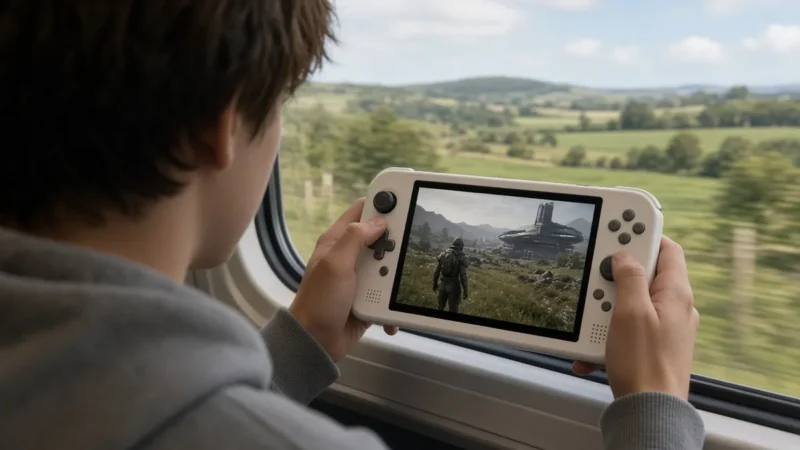
The best handheld emulator for most people right now is the Retroid Pocket 6: a Snapdragon 8 Gen 2 chip, a 5.5-inch 1080p 120Hz AMOLED screen and a 6,000mAh battery in a compact, Switch-style shell. If you want the most power in an Android handheld, the AYN Odin 3 and its 8 Elite-class Dragonwing Q8 chip sit a tier higher. For DS and 3DS, the dual-screen AYN Thor is the pick. These rankings are our opinion, built on maker spec sheets and published coverage as of November 2026, not hands-on testing.
Quick picks
| Model | Chip | Screen | Best for |
|---|---|---|---|
| Retroid Pocket 6 | Snapdragon 8 Gen 2 | 5.5″ 1080p 120Hz AMOLED | One device for 8-bit through PS2 and GameCube |
| AYN Odin 3 | Dragonwing Q8 (8 Elite class) | 6″ 1080p 120Hz AMOLED | Heaviest Android emulation, long sessions |
| AYN Thor | Snapdragon 8 Gen 2 (865 on Lite) | 6″ + 3.92″ AMOLED, dual | DS and 3DS with two real screens |
| Anbernic RG406V | Unisoc T820 | 4″ 960×720 IPS, 4:3 | Game Boy, GBA, SNES, PS1 and PSP |
| Anbernic RG35XX SP | Allwinner H700 | 3.5″ 640×480 IPS | Pocketable 8-bit, 16-bit and PS1 |
| Steam Deck OLED | Custom AMD APU | 7.4″ HDR OLED, up to 90Hz | PC games plus desktop emulators |
How we picked: chip tier first, since it decides which consoles run well; then screen shape and size against the systems each device targets; then availability from the maker or a major retailer. Specs come from maker product pages and launch coverage. Prices have moved a lot in 2026, with The Gadgeteer reporting the Retroid Pocket 6 among handhelds repriced after a RAM shortage, so check current price before you buy anything here.
Retroid Pocket 6: best handheld emulator for most people
The Retroid Pocket 6 is the device we’d hand to someone who wants one handheld for everything from the NES to the PS2. Retroid moved from the Snapdragon 865 in the Pocket 5 to a Snapdragon 8 Gen 2 here, a big jump in both CPU and GPU headroom, per Notebookcheck’s launch coverage.
Key specs: Snapdragon 8 Gen 2 with Adreno 740 graphics, 5.5-inch 1920×1080 AMOLED at 120Hz, 8GB or 12GB of LPDDR5X RAM, 128GB of storage on both models plus microSD, a 6,000mAh battery, active cooling, Wi-Fi 7 and Android 13. The full sheet is on Retroid’s product page, which lists it at $244 for 8GB and $279 for 12GB as of November 2026.
Who it suits: anyone who wants GameCube and PS2 to run at higher than original resolution without stepping up to premium pricing. The 16:9 screen is wide, so 4:3 classics get side borders, which bothers some players more than others.
Drawback: it ships on Android 13, an older base than its pricier rivals, and Retroid sells in preorder batches, so stock can come and go.
AYN Odin 3: the most power in an Android handheld
If you want the strongest chip you can put in your pocket for Android emulation, it’s the Odin 3. AYN announced it as the first gaming handheld with Qualcomm’s Snapdragon 8 Elite (Android Authority, September 2025). AYN’s product page now names the chip a Qualcomm Dragonwing Q8, an 8 Elite-class part, a change Notebookcheck reported in April 2026.
Key specs: Dragonwing Q8, a 6-inch 1920×1080 AMOLED at 120Hz, an 8,000mAh battery, active cooling, and four configurations from 8GB of RAM up to 24GB with 1TB of storage at the top end (Android Central). AYN’s store lists it from $369 to $569 as of November 2026.
Who it suits: players who care most about demanding systems like PS2, GameCube and Wii at high resolution, and who want the biggest battery of the Android picks here.
Drawback: its top configurations cost the most of the Android picks. And at launch, emulator and community GPU driver support for the 8 Elite lagged behind older Snapdragon chips (Android Authority, September 2025), so some emulators took longer to settle on it.
AYN Thor: best for DS and 3DS
Dual-screen systems are where most handhelds fall apart. You either shrink two screens onto one or flip between them. The Thor solves it with two physical screens in a clamshell.
Key specs: a 6-inch 1080p AMOLED at 120Hz on top, a 3.92-inch 1240×1080 AMOLED at 60Hz below, and a 6,000mAh battery. The Base, Pro and Max models use the Snapdragon 8 Gen 2; the Thor Lite drops to a Snapdragon 865 (Android Central, AYN launch specs). AYN’s store lists the Lite at $259 and the Base at $329 as of November 2026.
Who it suits: DS and 3DS fans first, plus anyone who likes a clamshell that closes and fits a jacket pocket.
Drawback: the clamshell has no built-in grips, which makes long sessions less comfortable than a horizontal handheld. Skip the Lite if you want PS2 or GameCube headroom; get an 8 Gen 2 model.
Anbernic RG406V: best 4:3 screen for retro
Older consoles mostly output 4:3 images, and the RG406V is built around that. Its vertical, Game Boy-style body holds a 4-inch 960×720 screen, the same 4:3 shape as a CRT TV.
Key specs: Unisoc T820, 8GB of RAM, 128GB of storage, a 4-inch 960×720 IPS screen, and Android 13, per Anbernic’s spec sheet. Anbernic’s store lists it at $160.27 as of November 2026.
Who it suits: handheld and 2D fans. As the scaling chart below shows, Game Boy, GBA, NES and SNES all land on clean whole-number sizes on this screen, with no blur from uneven scaling.
Drawback: the T820 is a mid-range chip. PS2, GameCube and Switch aren’t what this device is for.
Anbernic RG35XX SP: best budget clamshell
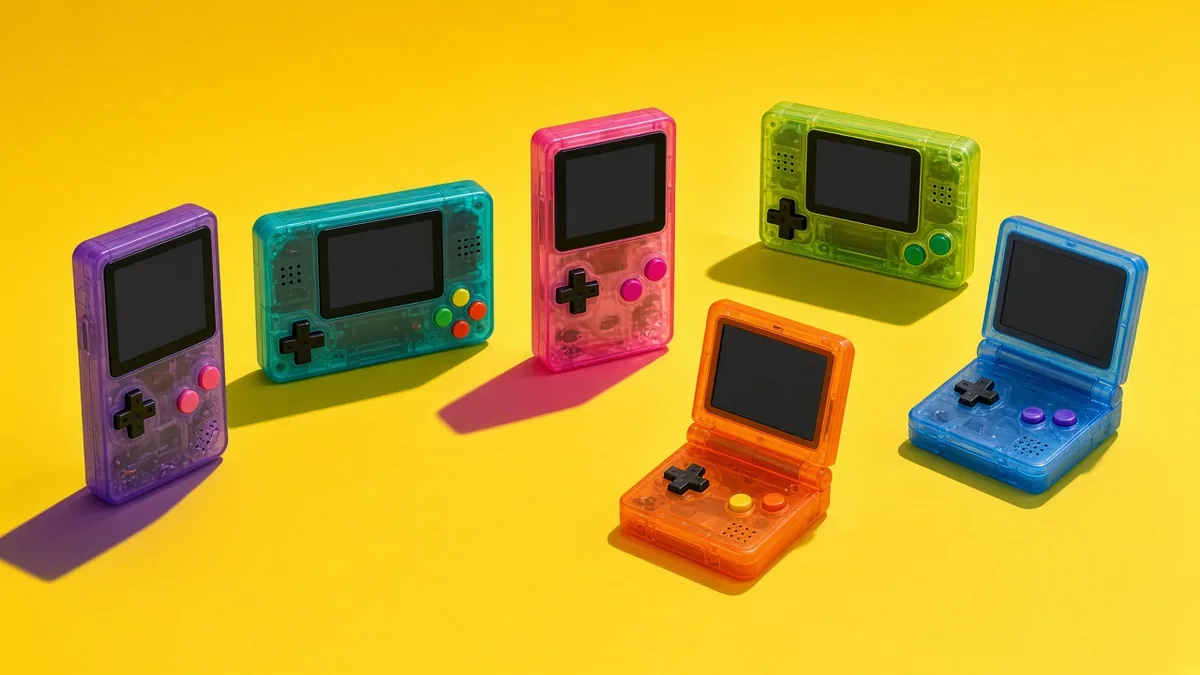
The cheapest way into handheld emulation that still feels well made. The RG35XX SP folds like a Game Boy Advance SP and runs a Linux-based system with emulators ready to go.
Key specs: Allwinner H700 chip, 1GB of RAM, a 3.5-inch 640×480 IPS screen, a 64GB microSD card, and a clamshell hinge, per Anbernic’s product page. Anbernic’s store lists it at $52.19 as of November 2026.
Who it suits: first-time buyers, kids’ handhelds, and anyone whose favorites stop around the PS1.
Drawback: no analog sticks, so 3D games that need them are out, and the H700 tops out well below the Android picks.
Steam Deck OLED: the PC route
The Steam Deck is a handheld PC, not an emulation handheld, and that’s the point. It runs your Steam library and desktop emulators on SteamOS, a Linux-based system, and you can install other operating systems.
Key specs: custom AMD APU, a 7.4-inch HDR OLED screen at up to 90Hz, SteamOS, and 512GB or 1TB of storage, per Valve. Valve raised Steam store prices to $789 and $949 in May 2026 (Tom’s Hardware).
Who it suits: people who want PC games and emulation in one device, and who like desktop versions of emulators with full settings menus.
Drawback: it’s far bigger and heavier than every Android pick here. It’s a couch and travel device, not a pocket one.
How to choose a handheld emulator
Start with the newest console you care about. That one question sorts most buyers: PS1 and older points to a budget Linux handheld, PSP and Dreamcast points to the mid-range, and PS2, GameCube and Wii point to a Snapdragon 8 Gen 2 or better. Then match the screen to the games. Wide 16:9 panels suit PSP and modern systems, while 4:3 panels suit everything from the NES to the PS1.
Screen resolution matters more than spec sheets suggest for 2D games. A pixel-art game looks crispest when it scales by a whole number, so here’s the largest whole-number scale for each classic system on three common handheld resolutions:
| System (native) | 640×480 (RG35XX SP) | 960×720 (RG406V) | 1920×1080 (Pocket 6, Odin 3) |
|---|---|---|---|
| Game Boy (160×144) | 3x, 480×432 | 5x, 800×720 | 7x, 1120×1008 |
| GBA (240×160) | 2x, 480×320 | 4x, 960×640 | 6x, 1440×960 |
| NES (256×240) | 2x, 512×480 | 3x, 768×720 | 4x, 1024×960 |
| SNES (256×224) | 2x, 512×448 | 3x, 768×672 | 4x, 1024×896 |
| PSP (480×272) | 1x, 480×272 | 2x, 960×544 | 3x, 1440×816 |
Two takeaways. The RG406V’s 960×720 screen fills edge to edge with GBA at exactly 4x and fills the full height with Game Boy at 5x and NES at 3x, which is why 4:3 handhelds look so clean for retro. And on the 1080p picks, 3D systems don’t care about this at all, since emulators render them at higher internal resolutions anyway.
Controls come next. Want 3D games? Get analog sticks, and ideally analog triggers. Most of these Android handhelds have Bluetooth, so you can pair headphones; our roundup of wireless headsets under $100 covers that side. And if the games you want are new releases rather than classics, an emulation handheld isn’t a substitute for a console: our late-2026 console guide is the better starting point.
One rule applies to every device here. Emulators are legal, and the apps these handhelds run, such as RetroArch, PPSSPP and Dolphin, are free projects. Downloading ROMs, BIOS files or firmware you don’t own is piracy. Dump the games and BIOS from hardware you own, and skip any handheld sold preloaded with thousands of games.
Want PC games as well? Our handheld gaming PC guide covers the Windows and SteamOS options.
Best handheld emulator FAQ
Is the Retroid Pocket 6 a big upgrade over the Retroid Pocket 5?
Yes, mainly in power. The Pocket 5 uses a Snapdragon 865, while the Pocket 6 moves to a Snapdragon 8 Gen 2 with LPDDR5X memory and a 6,000mAh battery, per Notebookcheck’s launch coverage. If your Pocket 5 already runs everything you play, though, the upgrade is a want, not a need.
Can a handheld emulator run Switch games?
Some Switch games run on Snapdragon 8 Gen 2 and 8 Elite handhelds through Android Switch emulators, but results vary game by game and none runs the library reliably. Switch 2 games are another story: as of November 2026, only the experimental Eden-NX2 PC build and an unofficial Android port boot them, and both stutter even on strong hardware.
What’s the best handheld emulator under $100?
The Anbernic RG35XX SP, at $52.19 on Anbernic’s store as of November 2026. It covers 8-bit, 16-bit and PS1 games well on a 3.5-inch 640×480 screen. It has no analog sticks, so for PSP or N64 look at the RG406V or the Retroid Pocket 6 instead.
Pick the newest console you care about, match the screen to its games, and the right handheld picks itself.
Cassia Fenwick
Cassia Fenwick is a staff writer at Console Alley, covering console gaming from the latest hardware questions to the games players return to for years. Her work moves across news, practical guides, reviews, gaming gear, and the wider culture around games. Whether she is breaking down a new console feature or explaining a mechanic in a familiar favorite, she writes with a straightforward goal: help readers understand what matters and what to do next. She pays particular attention to the small details that shape the playing experience. A controller compatibility rule, a battery-life setting, a difficult-to-find resource, or a change introduced by a game update can make the difference between a frustrating evening and a rewarding one. Her published coverage includes Nintendo Switch and Switch 2 questions, Terraria, Stardew Valley, and The Sims 4, with explanations that welcome readers who may be discovering a game for the first time or returning after time away. Cassia's style is clear, patient, and grounded in practical examples. Rather than assuming readers already know the terminology, she begins with the question at hand, adds the context that genuinely helps, and keeps instructions easy to follow. She is interested not only in how a feature works, but also why its design matters—especially when a small interaction, interface decision, or unexpected mechanic changes how a game feels. Outside her gaming coverage, Cassia enjoys colorful postcards, making books, and noticing the shapes, colors, and details built into everyday objects. That curiosity carries naturally into her writing, where overlooked features and thoughtful design can provide a fresh way to look at a game. Her aim is for every article to be useful on its own: approachable enough for a newcomer, specific enough for someone looking for a quick answer, and enjoyable enough to leave readers with something new to explore.