Aqua Affinity in Minecraft: What It Does and the Floating Catch
Aqua Affinity in Minecraft removes the 5x underwater mining slowdown on any helmet. What it does, how to get it and the floating penalty it doesn't fix.

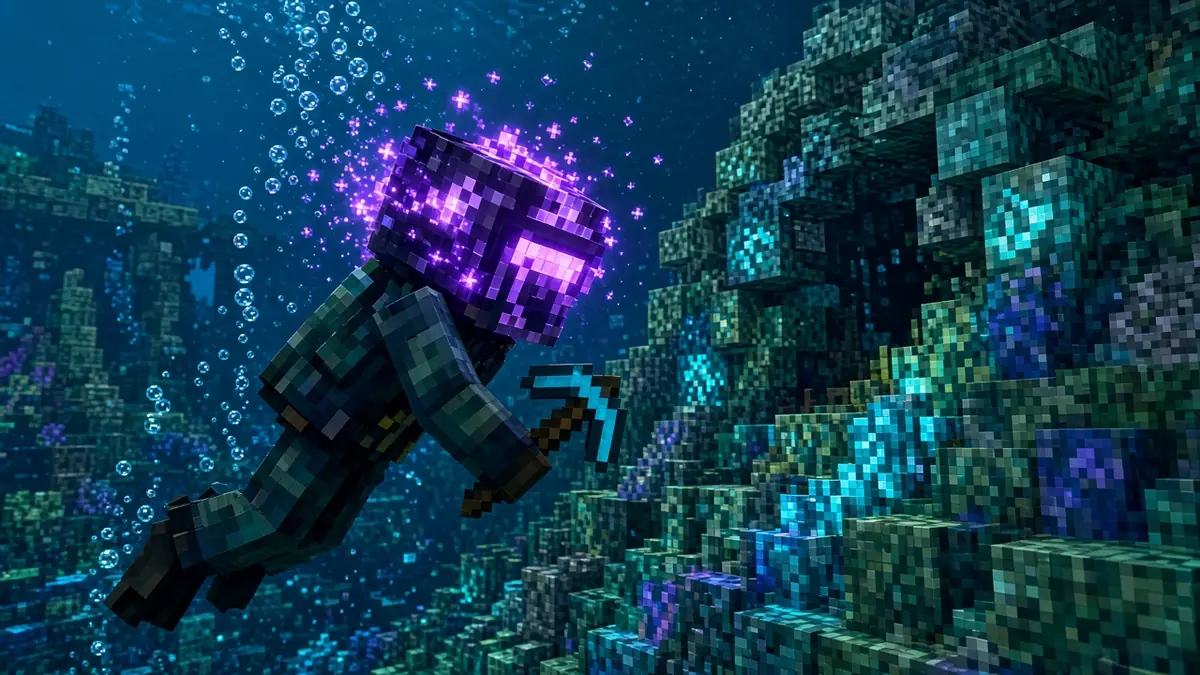
Aqua Affinity is a Minecraft helmet enchantment that removes the 5x mining slowdown you get when your head is underwater. It has one level, works on any helmet including a turtle shell, and stacks with Respiration. The catch: it doesn’t touch the separate 5x penalty for mining while floating, so you still need your feet on something solid to mine at land speed.
The mechanic hasn’t changed in years; we checked it against Java 26.3 and Bedrock 26.60 in November 2026 using the Minecraft Wiki.
How Aqua Affinity Works in Minecraft
Underwater mining carries two penalties that multiply together. Having your head in water makes blocks take 5 times as long to break. Not standing on the ground, which is how most players mine underwater, adds another 5x. Stack both and you’re at 25x slower than on land.
Aqua Affinity cancels the first penalty and only the first. In Java it does this through the player’s submerged mining speed attribute, which the Minecraft Wiki lists as a +400% boost: exactly enough to undo the 5x slowdown. Floating still costs you 5x.
It also doesn’t do a few things people expect. It won’t make you swim faster (that’s Depth Strider on boots), won’t extend your air (that’s Respiration), and won’t push mining past land speed. Efficiency on the pickaxe and Haste still handle that.
Underwater Mining Times, With and Without Aqua Affinity
To put real numbers on it, we ran the Minecraft Wiki’s block-breaking formula for an unenchanted diamond pickaxe on stone, which breaks in 0.3 seconds on land. These are our estimates from that formula, not in-game timings.
| Situation | Without Aqua Affinity | With Aqua Affinity |
|---|---|---|
| On land | 0.3 s | 0.3 s |
| Underwater, standing on the bottom | About 1.45 s | 0.3 s |
| Underwater, floating or swimming | About 7 s | About 1.45 s |
Scale that to a real job. Clearing 64 stone while floating with a plain helmet works out to roughly 7.5 minutes of holding the button. Standing on the bottom with Aqua Affinity, the same 64 blocks take about 19 seconds. That’s the whole case for the enchantment in one comparison, and it’s also the case for standing: Aqua Affinity alone, while floating, only gets you to about 93 seconds.
The practical fix is cheap. Drop a block under your feet, sink to the seabed, or work from a platform. If you’re building near a conduit, its Conduit Power effect also speeds up mining underwater.
How to Get Aqua Affinity
Because it only has one level, any Aqua Affinity you find is already maxed. According to the Minecraft Wiki, it comes from:
- An enchanting table, with a helmet or turtle shell in the slot.
- Enchanted books from fishing.
- Librarian villager trades.
- Loot chests that roll enchanted books, including ocean ruins, strongholds and mineshafts, plus trial chamber vaults.
If the table keeps giving you other helmet enchantments, take the book route: a librarian or a stack of fishing books, then an anvil. That also lets you add it to a helmet that already has Protection on it.
Aqua Affinity vs Respiration: Do You Need Both?
Yes, if you spend real time underwater. They solve different problems, sit on the same helmet and have no conflict with each other. Respiration gives you more air; Aqua Affinity makes that air worth something by letting you break blocks at a normal pace.
Our take: for an ocean monument or an underwater base, the helmet to build is Aqua Affinity, Respiration III, Protection IV, Unbreaking III and Mending. Add Depth Strider boots and a stack of building blocks to stand on, and the ocean stops fighting you.
Where Aqua Affinity Matters Most
Ocean monuments are the obvious one. Prismarine blocks, the sponge room and the gold block stash at the core all sit underwater, and draining the structure means breaking a lot of blocks while submerged. Seabed bases, conduit frames, guardian farms and underwater tunnels are the other big jobs. If you only ever duck underwater to grab a shipwreck chest, you can skip it until a helmet rolls it for free.
More Minecraft guides: how to tame a nautilus, how to make obsidian and what Density does for the mace.
Aqua Affinity FAQ
Can you put Aqua Affinity on a turtle shell?
Yes. The turtle shell counts as a helmet, so it accepts Aqua Affinity from an enchanting table or an anvil. That makes a strong pairing: the shell’s own Water Breathing effect buys you extra time, and Aqua Affinity keeps your mining speed normal while you use it.
Is Aqua Affinity worth it on a regular survival helmet?
Usually, yes. It doesn’t conflict with Protection, Respiration, Unbreaking or Mending, so it costs you nothing but XP. Even if you rarely mine underwater, it pays off the first time you drain a monument room, clear an ocean ruin or build a seabed base.
What is the max level of Aqua Affinity?
Aqua Affinity has a single level, I, so there’s nothing to upgrade. Any helmet or book you find with it is already at full strength, and combining two Aqua Affinity books on an anvil won’t raise it. Spend your XP on Respiration III and Protection IV instead.
Wear it, and stand on something. That’s the whole trick.
Cassia Fenwick
Cassia Fenwick is a staff writer at Console Alley, covering console gaming from the latest hardware questions to the games players return to for years. Her work moves across news, practical guides, reviews, gaming gear, and the wider culture around games. Whether she is breaking down a new console feature or explaining a mechanic in a familiar favorite, she writes with a straightforward goal: help readers understand what matters and what to do next. She pays particular attention to the small details that shape the playing experience. A controller compatibility rule, a battery-life setting, a difficult-to-find resource, or a change introduced by a game update can make the difference between a frustrating evening and a rewarding one. Her published coverage includes Nintendo Switch and Switch 2 questions, Terraria, Stardew Valley, and The Sims 4, with explanations that welcome readers who may be discovering a game for the first time or returning after time away. Cassia's style is clear, patient, and grounded in practical examples. Rather than assuming readers already know the terminology, she begins with the question at hand, adds the context that genuinely helps, and keeps instructions easy to follow. She is interested not only in how a feature works, but also why its design matters—especially when a small interaction, interface decision, or unexpected mechanic changes how a game feels. Outside her gaming coverage, Cassia enjoys colorful postcards, making books, and noticing the shapes, colors, and details built into everyday objects. That curiosity carries naturally into her writing, where overlooked features and thoughtful design can provide a fresh way to look at a game. Her aim is for every article to be useful on its own: approachable enough for a newcomer, specific enough for someone looking for a quick answer, and enjoyable enough to leave readers with something new to explore.


